Google Search Console is Google's free tool for seeing how a website performs in Google Search. It shows which queries bring visitors, which pages Google has indexed and which issues it has found. Agencies use it to audit sites, track organic performance and prove that fixes worked.
What Search Console is for
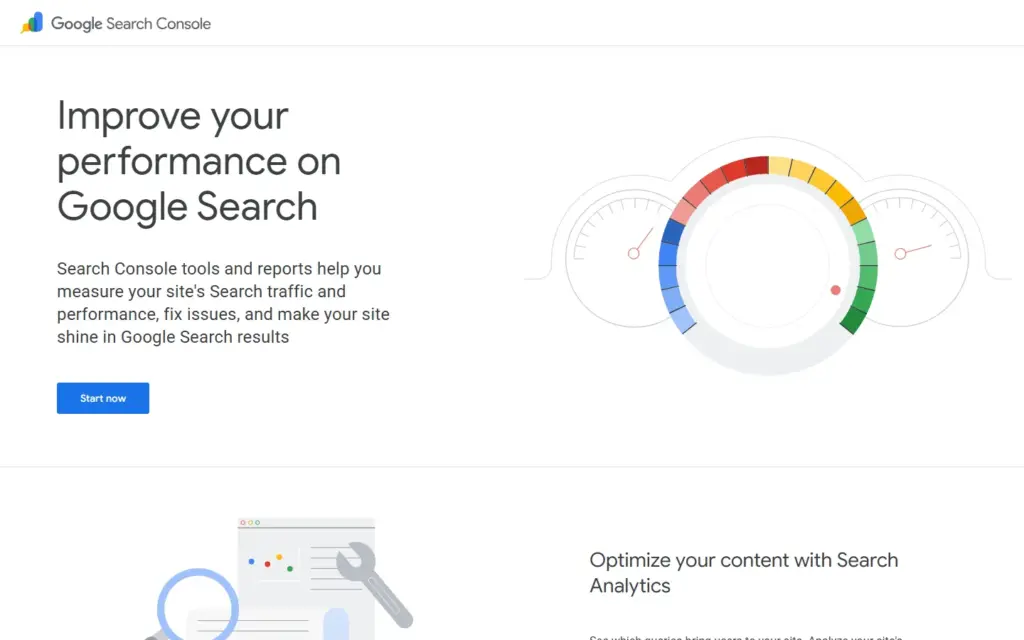
Google Search Console reports on one thing: how Google sees and serves your site. Its own pages describe tools and reports that help you measure Search traffic and performance, fix issues and improve how the site appears in results.
The data comes from Google, not from a third-party estimate. That makes it the reference point when an agency and a client disagree about organic performance.
What agencies use it for
Agencies map the documented reports to routine client work. The vendor publishes no page of agency uses, so these are uses of the documented features.
Performance reporting
Search Analytics shows impressions, clicks and average position, broken down by query. An agency uses it to report which searches drive visits and where a page ranks but gets few clicks.
Indexing checks
Sitemaps and single URLs can be submitted for crawling, and the index coverage review shows whether Google holds the latest version of a page. This is the first check after a site launch or migration.
Issue alerts
Google sends email alerts when it identifies issues. The affected URLs are listed, and you can tell Google when a fix is done. For an agency, that gives a dated record of problem and repair.
Page-level diagnosis
The URL Inspection tool gives crawl, index and serving information for a single page, straight from the Google index. It settles questions such as "is this page in Google at all?"
Enhancement reports
Reports cover Core Web Vitals on mobile and desktop and rich results from structured data such as recipes or jobs. Check Google's Search Console documentation for the list of reports currently available.
Who should own the property
The client should hold ownership of the Search Console property, with the agency added as a user. The tool requires you to verify site ownership, and Google's Search Console help pages list the verification methods available.
If the agency verifies the property under its own account, the client can lose years of history when the contract ends. Ask for the setup in your brief. It costs nothing and protects the data. Our guide to agency contracts: notice periods, ownership and handover applies the same ownership principle to ad accounts.
Limits to know before relying on it
Search Console covers Google Search only. It does not report on other search engines, and it does not show what visitors do after they land.
- It reports queries and pages, not sales or leads.
- It does not research keywords you have no impressions for.
- It does not show competitors' data.
- It offers no audit of backlinks across the web beyond your own site's view.
For behaviour after the click, agencies pair it with Google Analytics. For competitor research and keyword discovery, they add paid SEO suites such as Semrush or Ahrefs.
How it sits beside other tools
Search Console is the first-party source, and the others fill its gaps. Analytics explains what visitors do; SEO suites estimate what competitors rank for. None replaces Search Console, because only Google reports its own index.
A sensible check for a buyer: ask an SEO agency for read access to the Search Console property, or for a screenshot of the Performance report, before and after the work. If an agency reports organic gains but cannot point to this data, ask what it measures instead. To compare agencies by service, browse the SEO agencies hub or post your brief.
Features as described on Google's own Search Console pages; check there for current details. This is not a paid listing and Online Agency Network is not affiliated with the vendor.